Ever started working on a project with data in an Excel spreadsheet only to find the data is out of date? Spreadsheets are the go-to tool for Finance teams to perform analytics, financial modeling and forecasting. But data that is out of sync with the latest information is a major limitation on the value of those projects.
If you've ever worked with data in your organization, you have probably felt a similar pain. If not, it goes like this: It's Monday morning, you need updated revenue numbers for the board deck due Wednesday, but the CSV export IT sent you last week is already stale. You submit another ticket, mark it "urgent," and hope you'll get the data before your deadline.
This problem isn't just painful, its costly for both Finance and IT.
What if I told you that you could effortlessly keep the data in an Excel Live spreadsheet in sync with the latest data from your database? Yes, really. Keep reading.
In most organizations today, there is an ongoing tension that exists between the IT team and their business counterparts. And I'm not talking about the tension where finance tries to limit IT's budget (Go Fig can help alleviate this friction as well by relieving IT bandwidth, but more on this later).
The tension I'm talking about here is the need for data from finance, and the burden these requests create for the IT team:
Finance teams are completely dependent on IT to source data because they can't write SQL and don't even have database credentials. Even when business intelligence (BI) tools do allow for CSV exports, if the existing dashboard isn't exactly what is needed, they default to filing an IT ticket. BI is either too complex to use or the team simply refuses to learn it because spreadsheets are where the real value is. The result? Projects get delayed by days to weeks just waiting for turnaround on their data requests, and spreadsheets simply aren't updated nearly as often as they should be due to this friction.
IT teams are overly burdened in adhoc data requests. Every "quick" data request takes them away from focusing on strategic IT initiatives. A typical data engineer could spend up to 20 hours per week—literally half their time—responding to requests with varying degrees of urgency from finance, sales, and marketing. And the complex technical strategy they were hired to execute gets put on the backburner.
It's a lose-lose scenario that's costing both teams their sanity and the company's competitive edge.

I can already hear the battle cries from data folk that Finance teams should learn SQL or BI. As someone who started off in Finance and eventually did go on to learn SQL and Python in my transition to Data Science, I'm going to make this next prediction very confidently: finance professionals are not going to abandon Excel or Google Sheets anytime soon, and they shouldn't have to.
If I told you there was a data product that was fast, simple and easy to use, everybody on your team already knew how to use it, and as of last week integrates with AI, wouldn't that sound like a product you would buy for your team? Oh and btw, this product was basically free.
That's exactly what a spreadsheet is.
Spreadsheets are fast, powerful, versatile tools. To be honest, very few BI tools can compete with the spreadsheet in a footrace in the last mile of exploratory analytics.
However, the bigger problems with spreadsheets is when users do too much with them: heavy computational data retrieval, data cleaning, and pivoting across dozens of sheet tabs referencing more than 1,000,000 rows of data. Or saving multiple copies of the same spreadsheet to solve for the lack of inherent version control. These are the limitations that a data tool needs to solve for.
Introducing data workflows: no-code ETL that clean, process and aggregate data before shipping it off to a spreadsheet for slicing and dicing.
Imagine a scenario where business stakeholders in an organizations could completely self-serve their data requests:
This isn't a fantasy.
This capability already exists in the Power BI suite: UpSlide describes Power Query as the perfect solution for business users to interface with data in a low-code UI for organizations that don't have a data engineer. It does take some training, as the Power Query logic is noticeably different from standard spreadsheet logic.
Go Fig offers a simpler alternative solution to this problem with visual workflows that work with existing spreadsheet logic.
A Finance Director at a 200-person B2B SaaS company was working on a project to understand operating costs. Previously, they would wait multiple days for IT to pull data from their MS SQL Server into a Power BI dashboard. The Finance director would ask IT for updates on a regular basis, and access the data by downloading the Power BI tables as a CSV. This created a lot of friction in the initial model build, and very challenging to monitor costs to identify spikes in costs quickly.
With Go Fig, they've set up an automated workflow that:
Results:
Leadership at a real estate startup needed to predict cash flows 6 months out to manage their burn rate. They were manually downloading real estate market data from Redfin and combining it with internal sales data—a process that took 8 hours every month.
With Go Fig, their new workflow is completely automated and provides insights more frequently:
Results:
The CFO now has real-time visibility into cash position, and the analyst who used to spend a full day per month on this now focuses on strategic analysis instead of data wrangling.
The breakthrough comes from no-code workflow builders that speaks the language of the business, not IT's. Instead of writing SQL queries like:
SELECT customer_id, SUM(revenue) as total_revenue
FROM transactions
WHERE date >= '2024-01-01'
GROUP BY customer_id
Finance teams use familiar spreadsheet logic:
Even better, with AI assistants like Fig AI, you can simply describe what you need in natural language. For example: "Pull last month's revenue by customer and update my forecast model every Monday at 8am."
If you're still manually updating spreadsheets or waiting on IT for data refreshes, you're not alone. Most finance teams are stuck in this pattern because they don't have the right data tooling. But the technology exists today to connect your spreadsheets directly to your data stack—no SQL required, no IT bottleneck, no more stale data.
The companies that figure this out first will not only experience cost savings, but also increase the engagement of their teams by enabling them to make use of their data to add more value to the organization. And they'll be less likely to leave for a less tech-enabled organization.
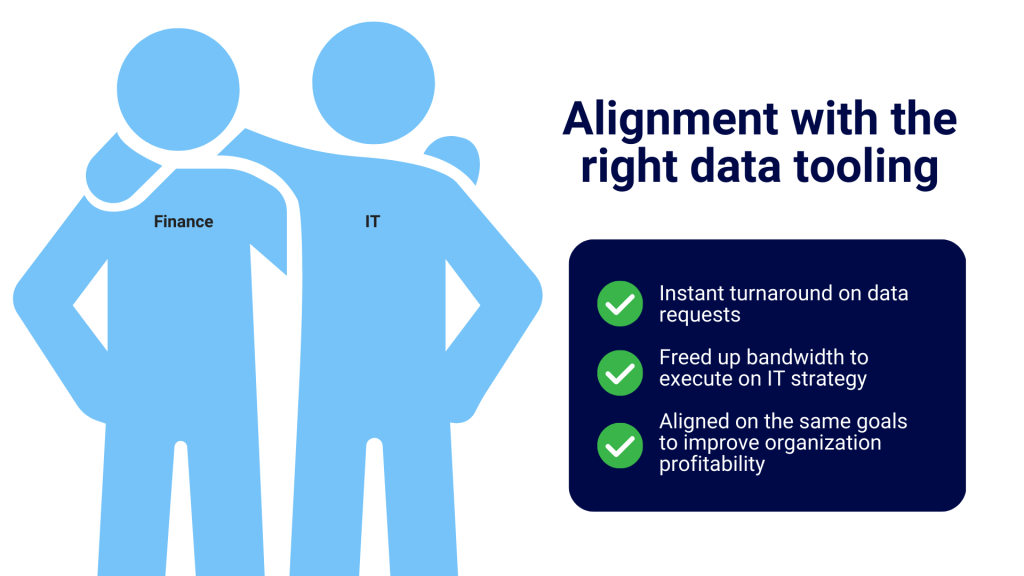
If you are an IT leader and you've read this far, you care deeply about enabling your partner teams with the right data tooling. Kudos to you. If you're still on the fence, here's a message I want to reinforce: enabling finance and business teams to self-serve their data needs isn't giving up control. It is strategic delegation. When you implement a no-code workflow solution, both you and your partner teams benefit:
The most forward-thinking IT teams are actively implementing data tooling that better supports business teams because they are starting to recognize that BI tools are failing to meet the business where they need support in regards to adhoc data requests. And freeing up these resources equally benefits IT with more time and focus to build robust, scalable infrastructure that further enables the entire organization. This is a true win-win outcome.